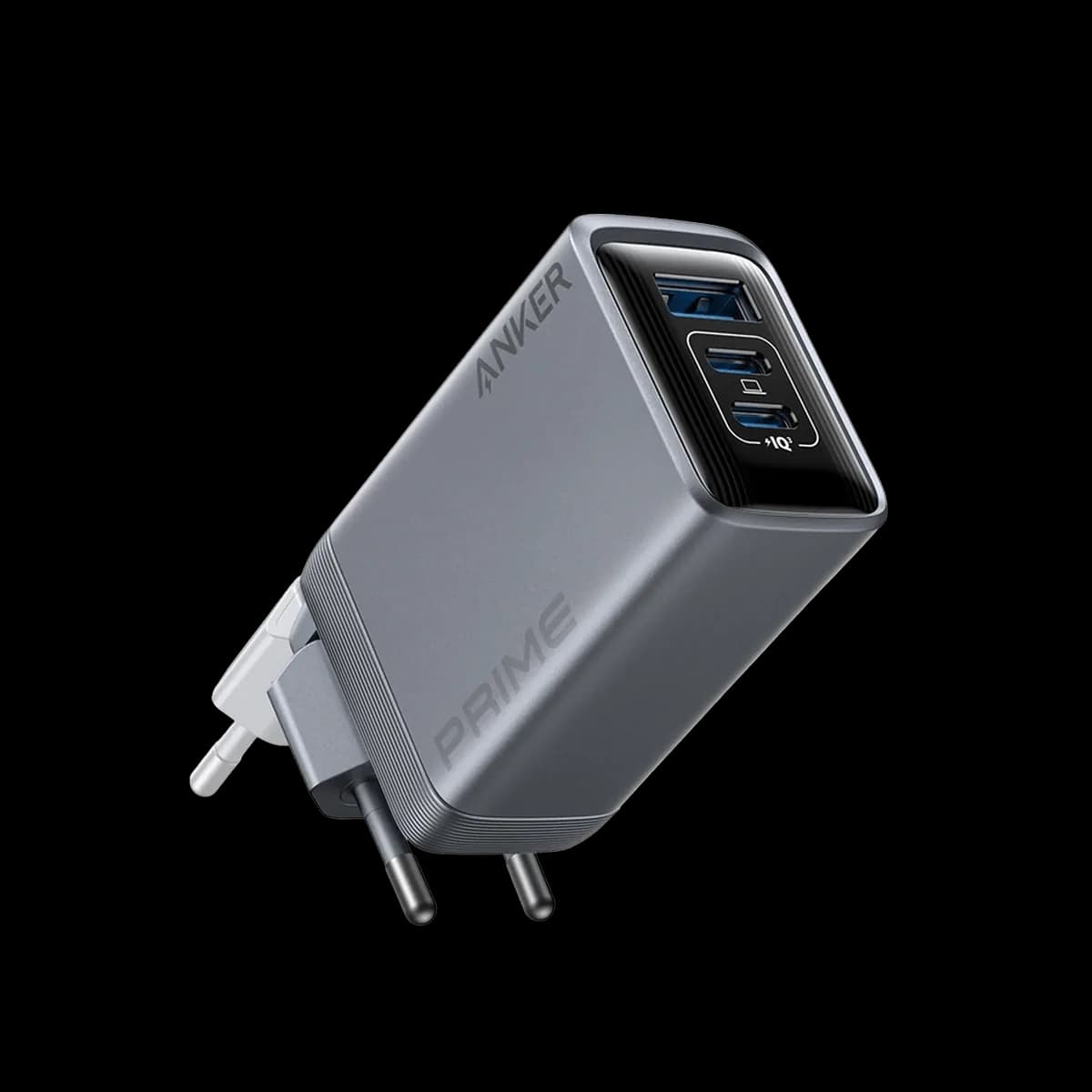
Label your USB-C cables, or keep guessing which one charges the laptop
They all look the same and none of them do the same thing. 10 minutes with a label maker ends a problem you have had for years.
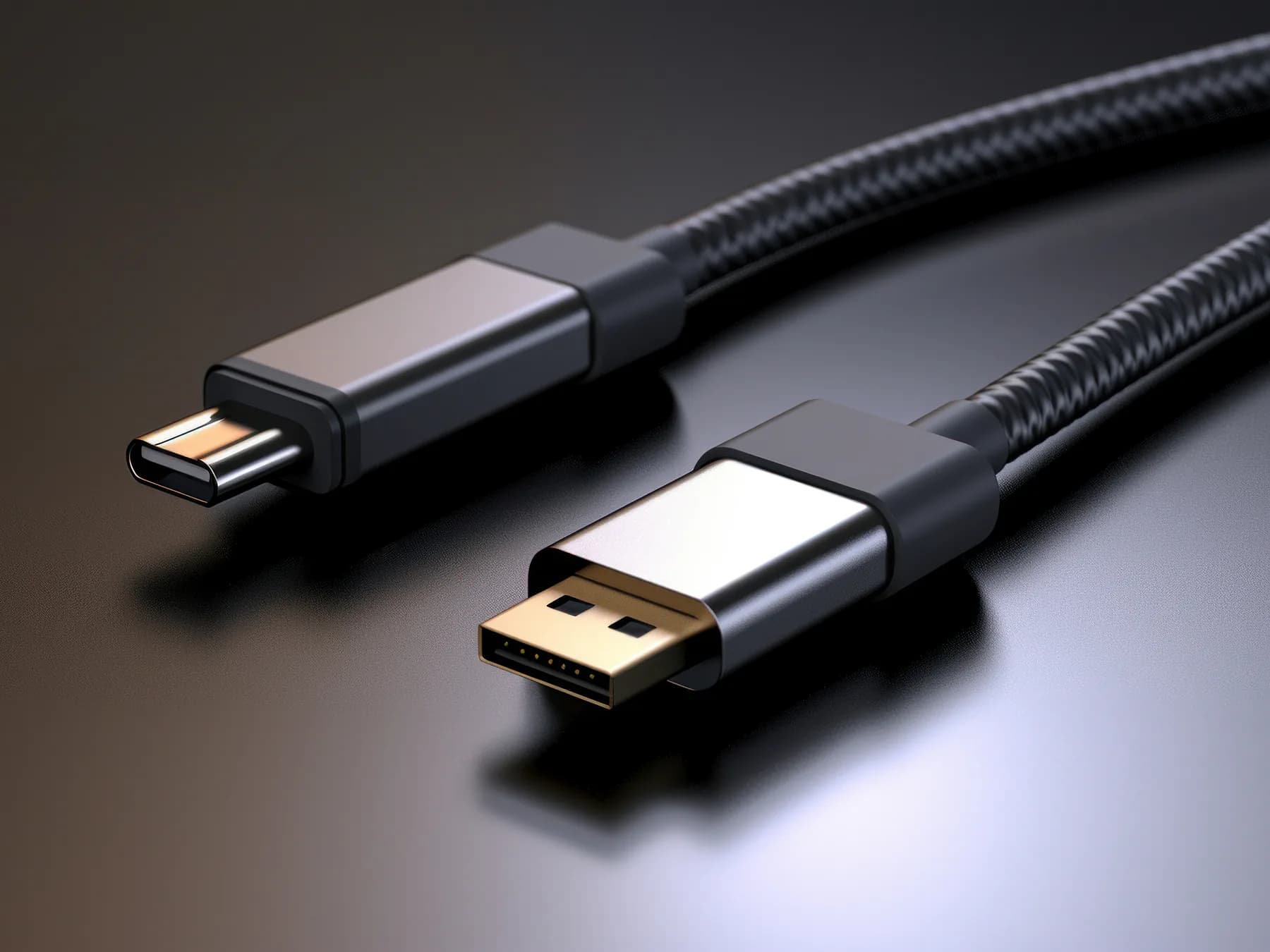
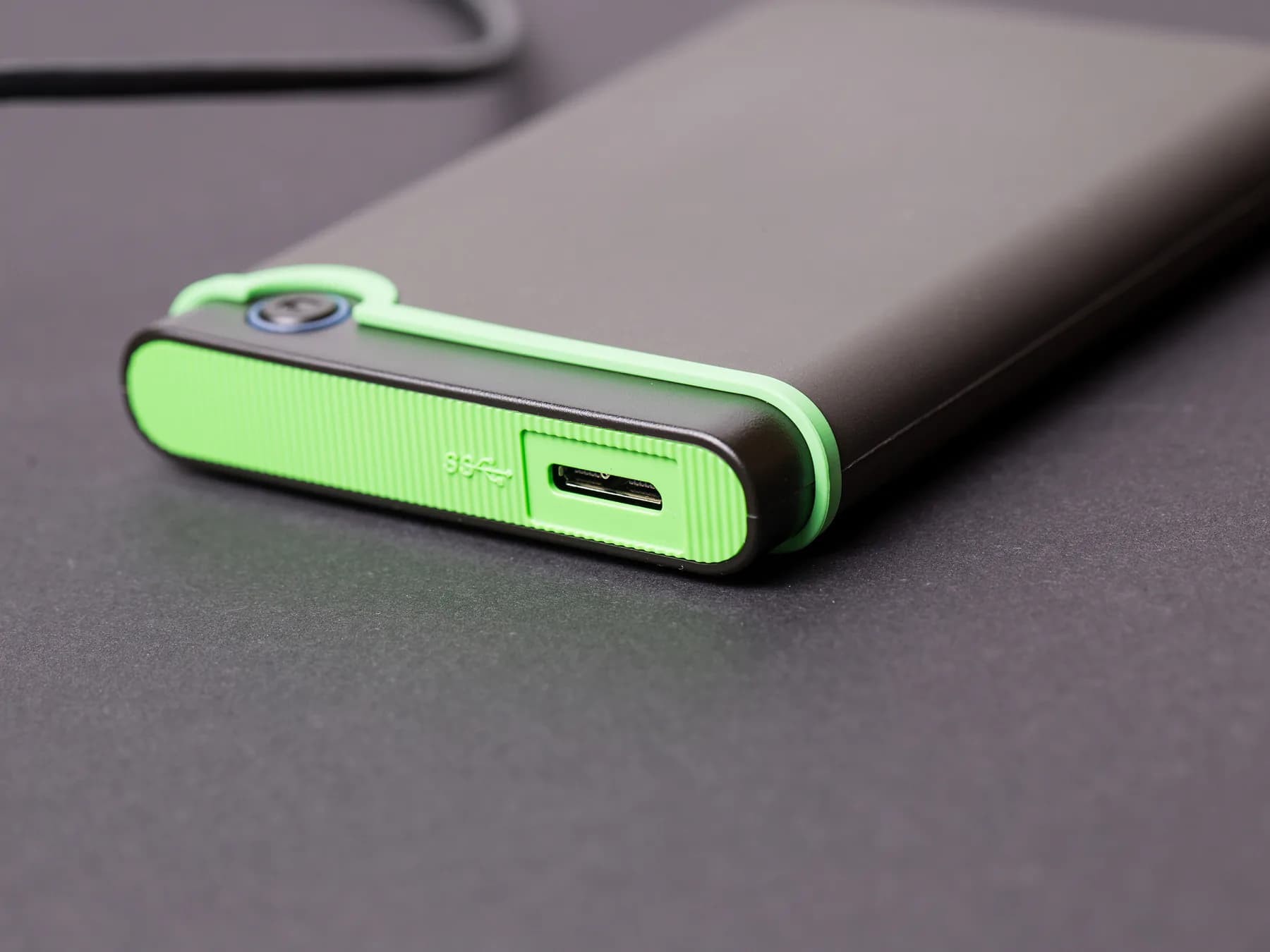
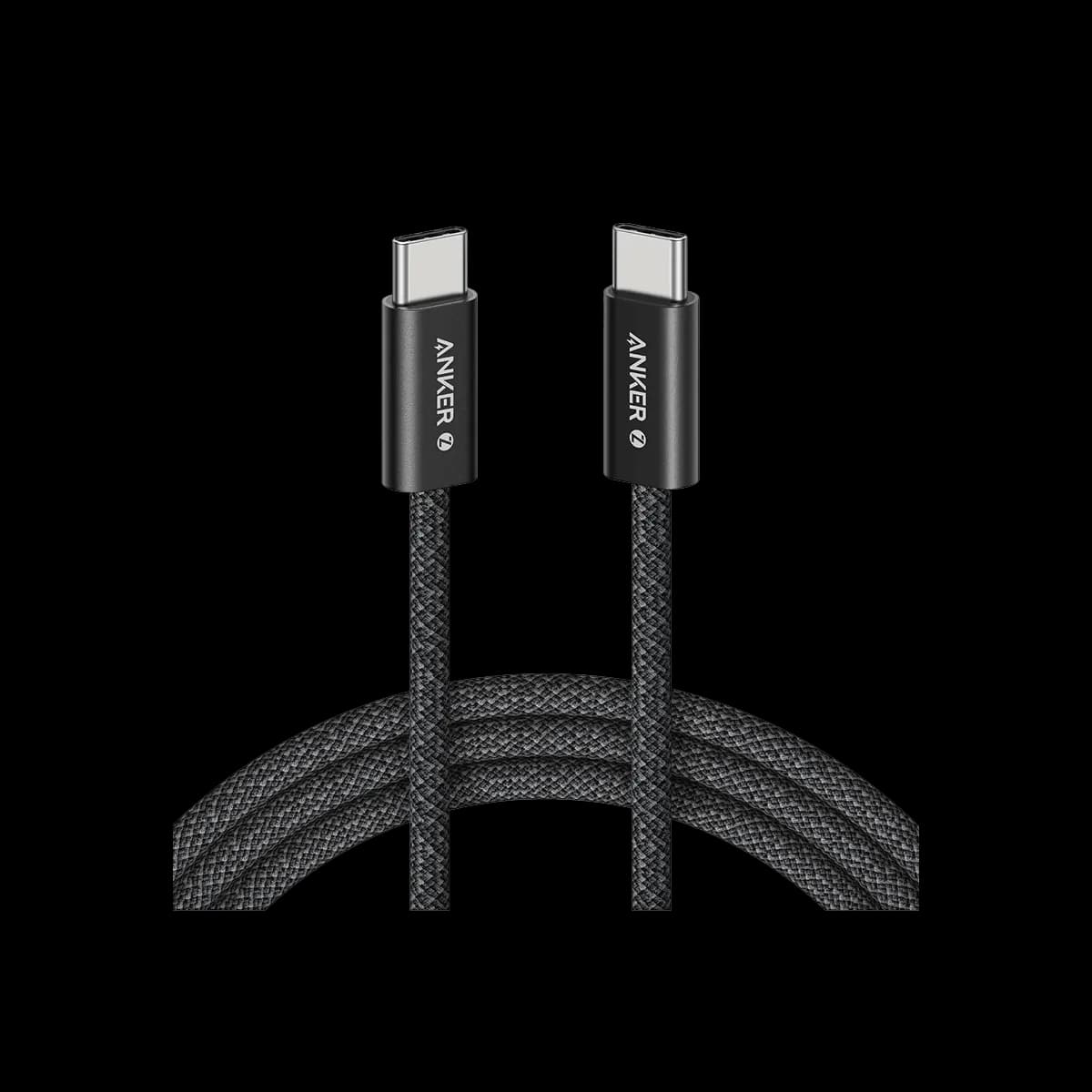
USB-C solved the plug and made everything behind it invisible. 2 identical cables can differ by a factor of 20 in charging power and a factor of 40 in data speed, and nothing on the outside tells you which is which.
What actually varies
- Power: 60W cables have 2 fewer wires than 240W ones. A 60W cable will charge a laptop, slowly, and never fast.
- Data: many charging cables run at USB 2.0 speeds, which is 480 Mbps. Moving a video off a camera on one takes all afternoon.
- Video: only some carry enough lanes to drive a monitor at all.
The cable in the box with your phone is usually the cheapest of the 3. That is not a scandal, it is just what the phone needs.
The fix takes 10 minutes
Write the wattage on each one near the plug: a label, a strip of tape, a dab of nail polish in a color you decide means something. Then keep the fast ones at the desk and the slow ones in the bag, where slow does not matter.
You will not remember which cable is which in 6 months. Write it down while you still know.
Daniel Reid
Mobile editor
Follows phones, the software on them, and the slow business of making 2 platforms talk to each other.