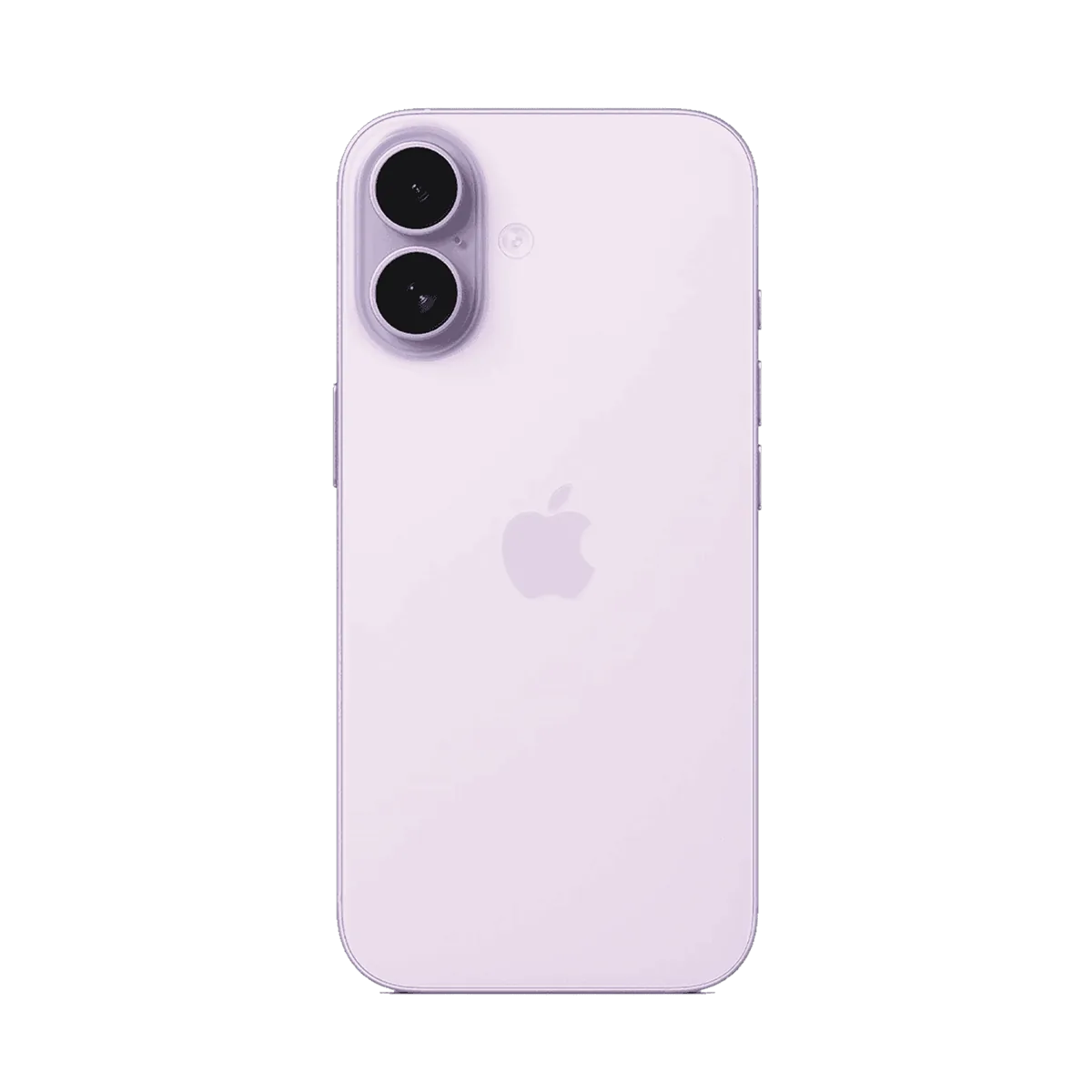
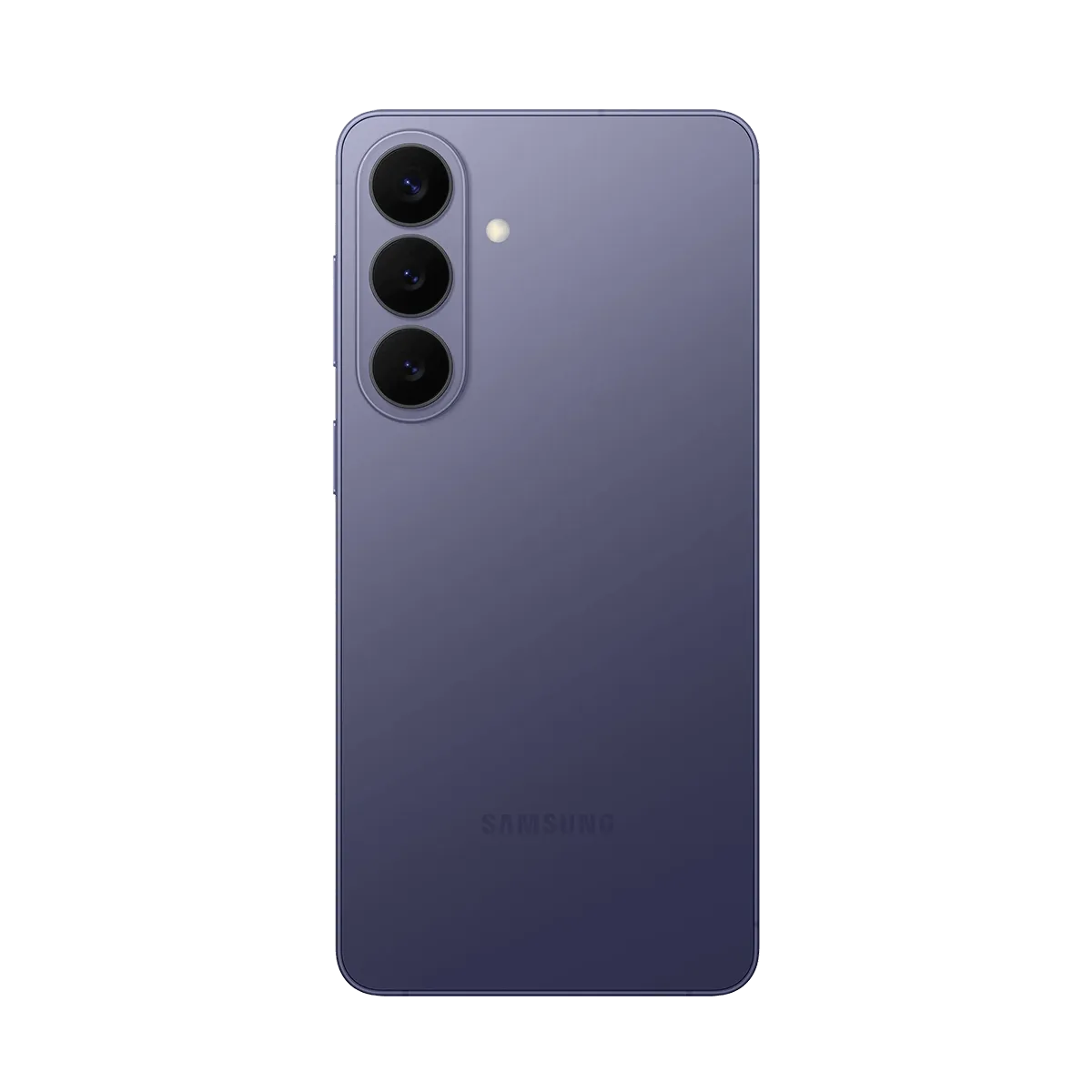
Sharing files between iPhone and Android finally works
AirDrop and Quick Share now talk to each other. Here is what actually works today, and the 2 cases where you still need a cable.
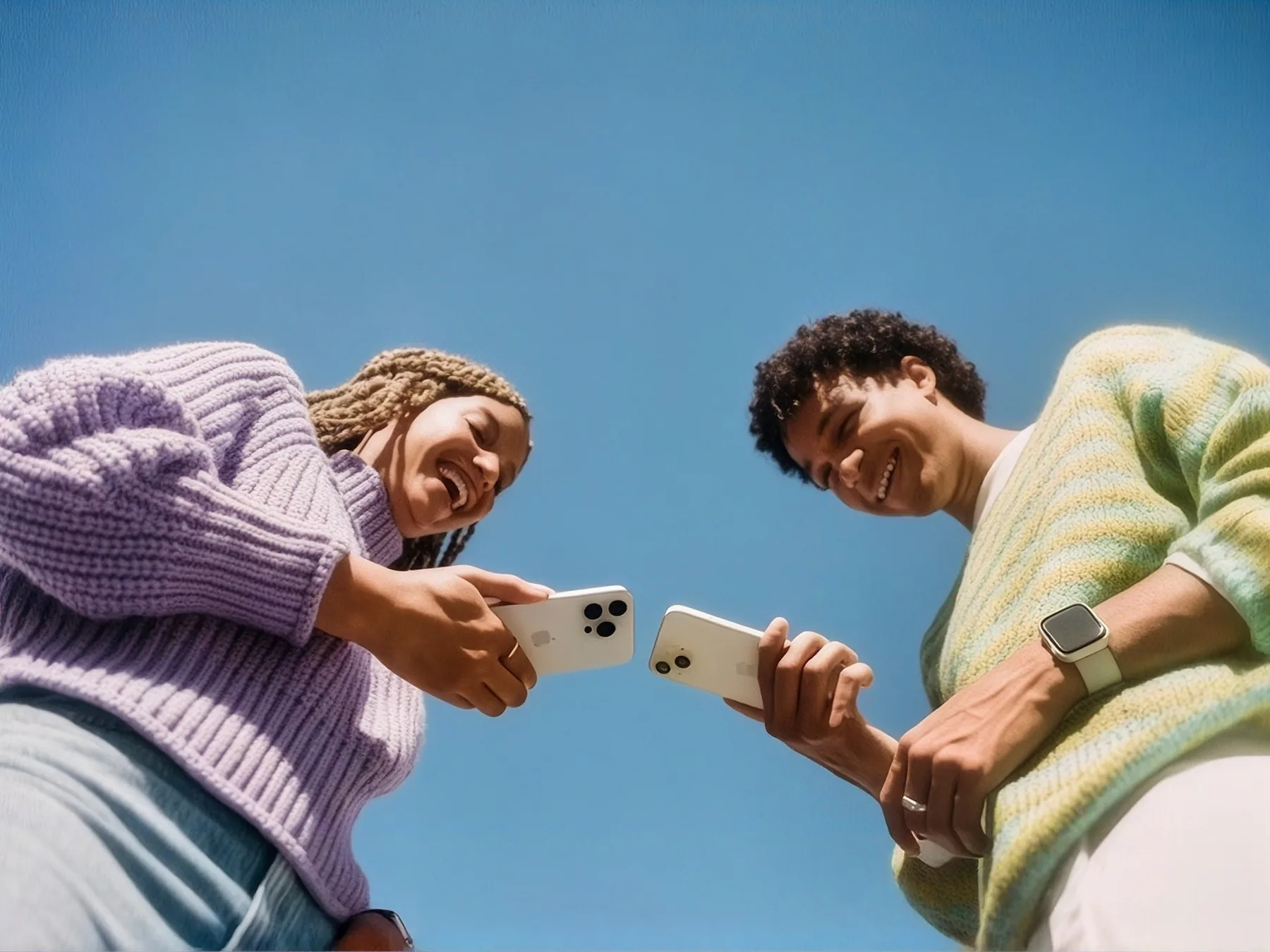
For 15 years, moving a photo from an iPhone to an Android phone meant email, a chat app, or a cable. The file arrived compressed, rotated, or not at all. That era is over, quietly, in a software update most people have already installed.
What changed
Both phones now advertise the same short-range transfer over Wi-Fi Direct, with Bluetooth used only to find the other device. Nothing routes through a server, so a transfer works on a train with no signal, and nothing is uploaded on the way.
- Full-resolution photos and video, with the original metadata intact.
- Any file type, up to several gigabytes, at roughly 40 MB per second in the open.
- Multiple recipients at once, which is the useful part at the end of a night out.
Where it still falls down
Live Photos arrive as a still and a separate video file, because Android has nothing to open the pair with. Shared albums are not covered at all: those are an account feature, not a transfer, and each platform still keeps its own.
The honest test is whether you stop thinking about it. Most of the way there.
If you are moving to a new phone rather than sending a handful of files, use the manufacturer’s migration tool instead. It carries the things a transfer cannot: your message history, your app layout, and the Wi-Fi networks you have already joined.
Daniel Reid
Mobile editor
Follows phones, the software on them, and the slow business of making 2 platforms talk to each other.